
 Trading Education
Buy Limit vs Buy Stop in MT5: The 6 Pending Order Types
A Buy Limit buys below the market, a Buy Stop above it. Which MT5 pending order to use, why buys trigger on the Ask, and why a touch is not a fill.
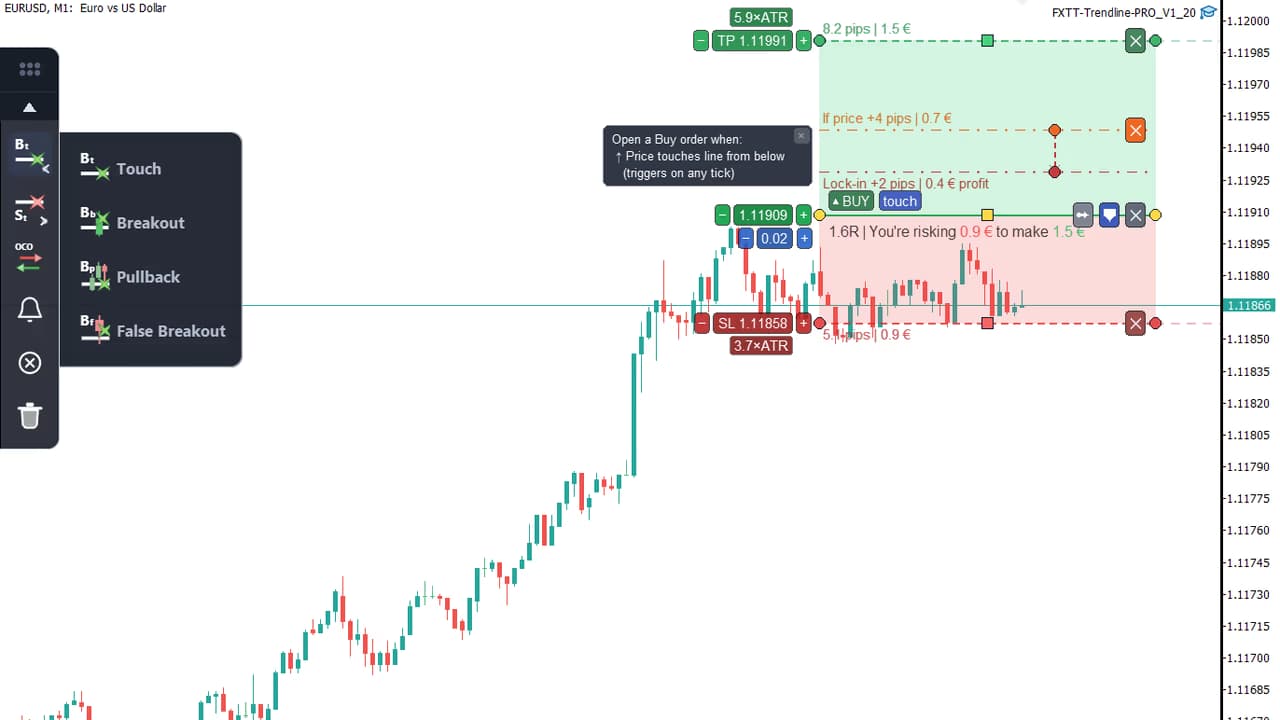
Trendline PRO and the other FxTT tools for MetaTrader 4 and 5 carry out the plan you put on the chart. Pick a move below and watch it on a real MT5 chart.

Draw the trade
Real MetaTrader 5 recordings of Trendline PRO and ChartDeck PRO.
4.8/5 on MQL5 · 250,000+ downloads · 60-day refund on direct purchases
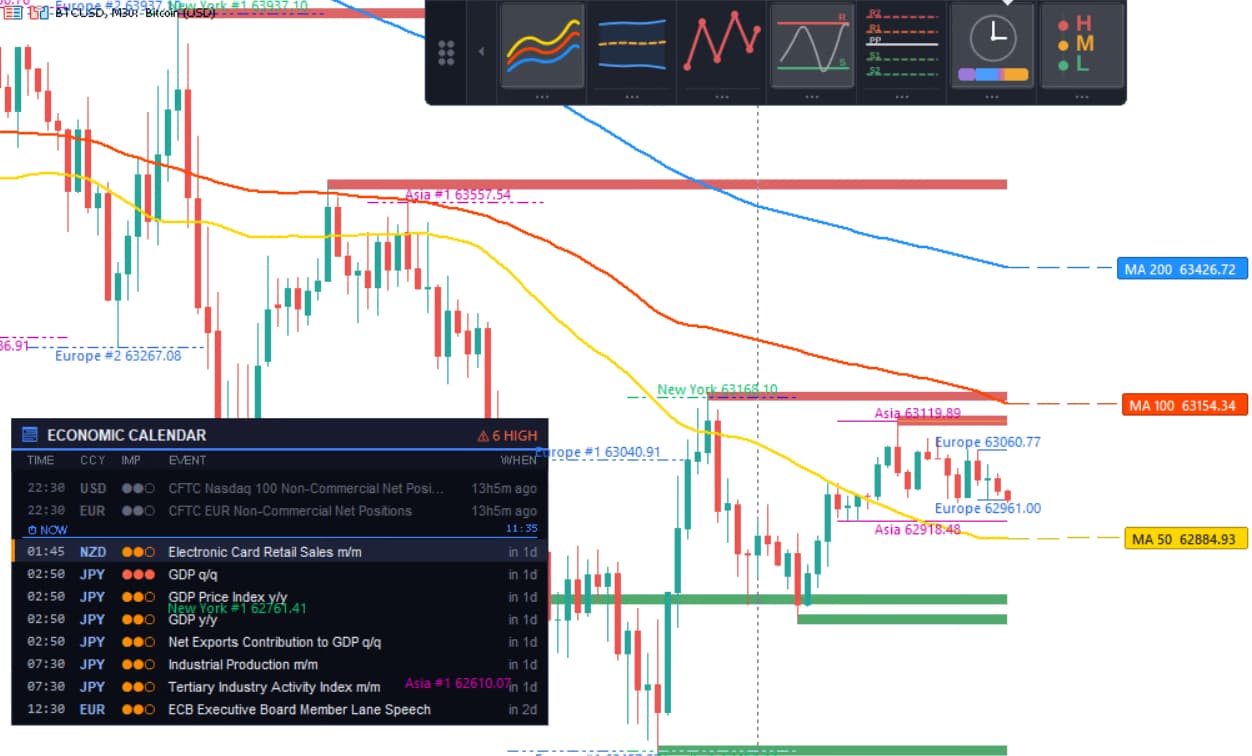
Before the open: levels, news and your own rules.
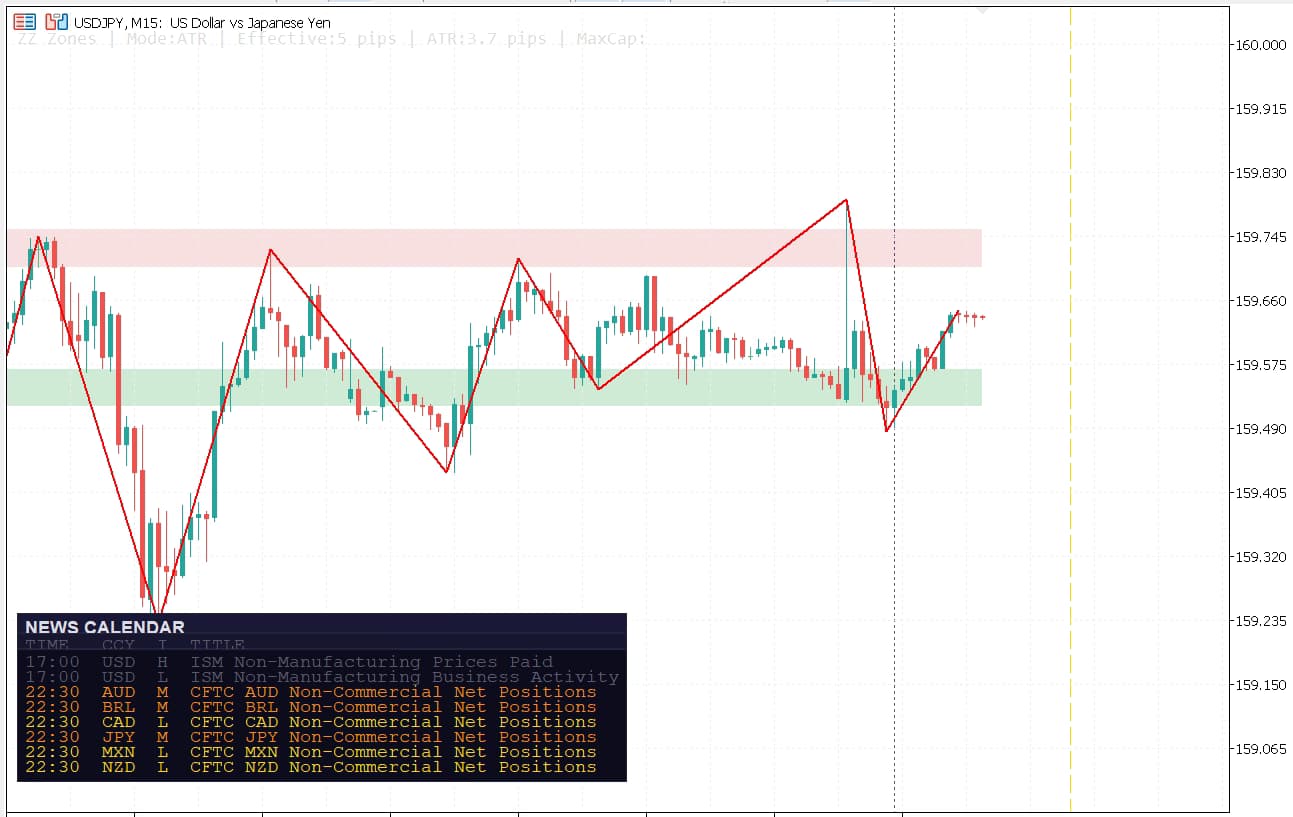
In session: trend, zones and several timeframes on one chart.
After the close: account alerts on your phone and backtests you can read.
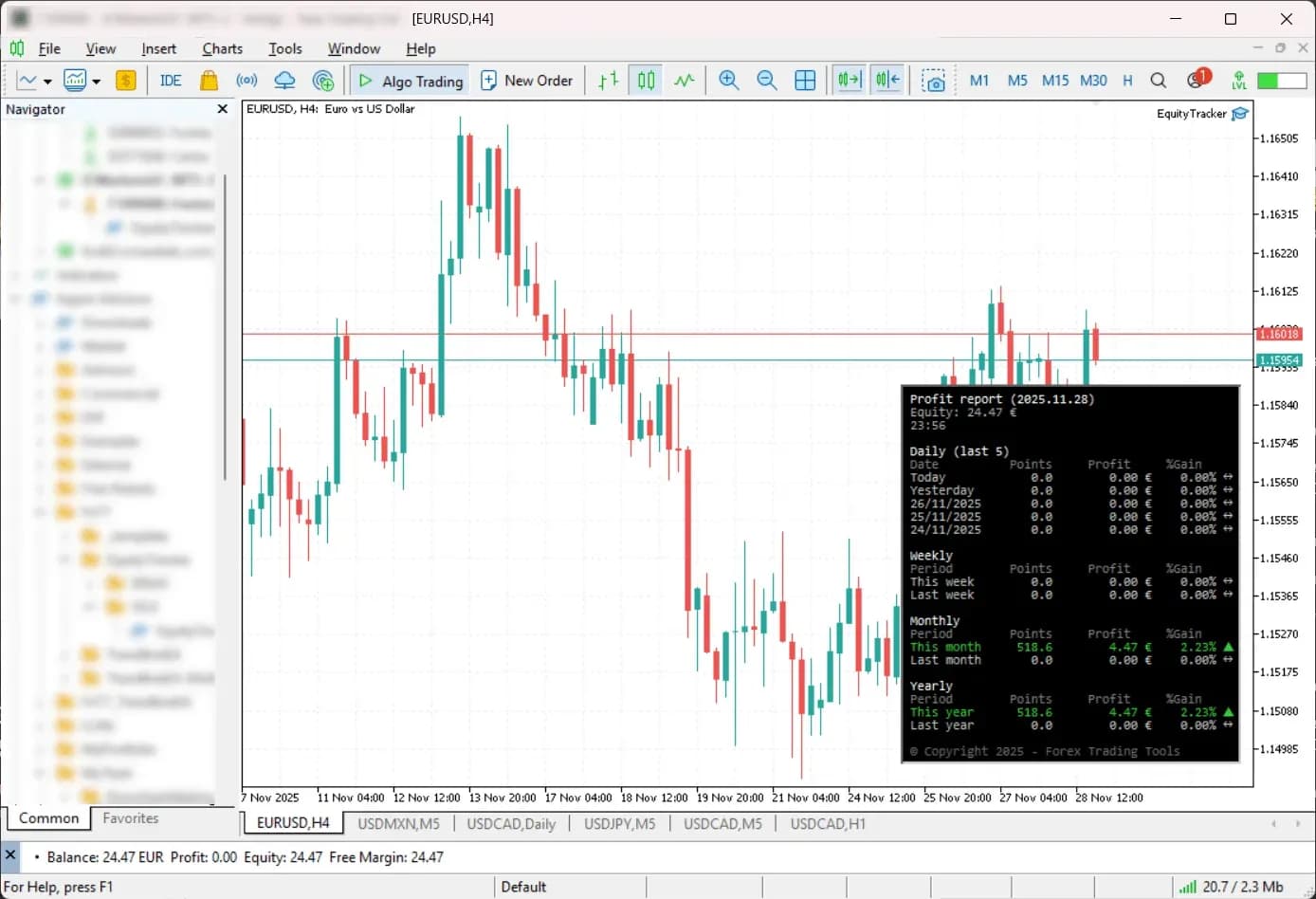
7-in-1 Indicator Panel for MT4/MT5
Seven MT4 or MT5 chart tools in one dockable panel. Switch on a tool, tune it in its settings drawer, then dock the panel out of the way.
Free MT5 indicators you download and keep. The source code of each one below is on GitHub.
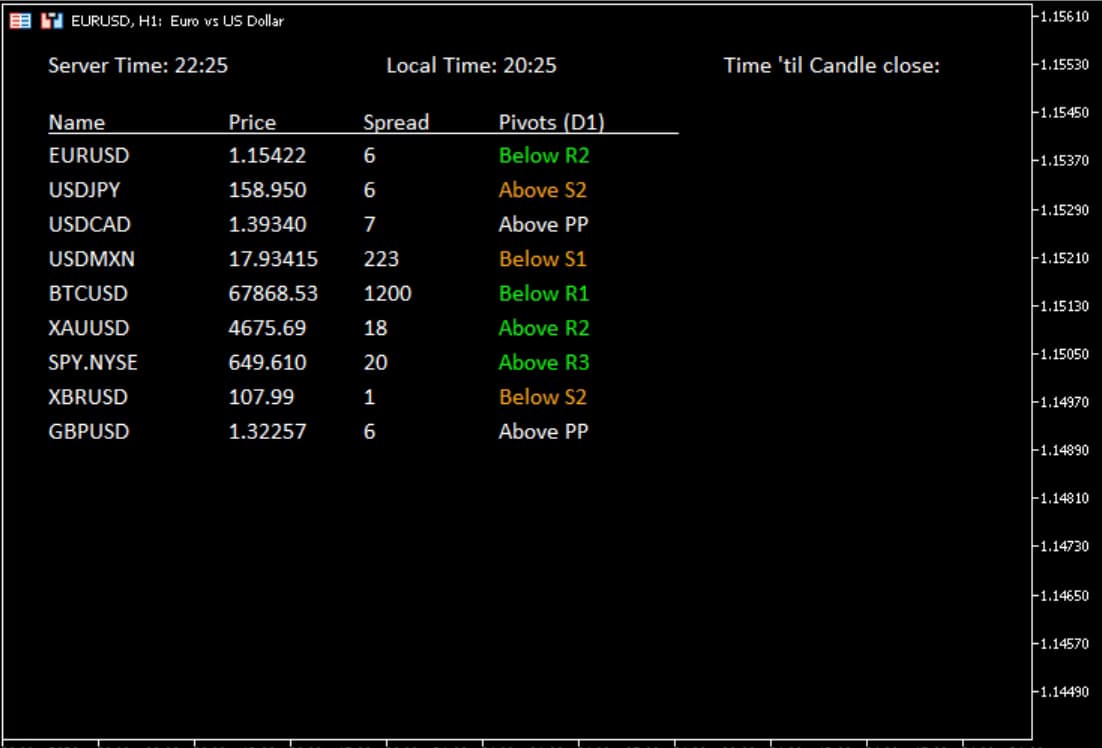
Scans your Market Watch symbols and shows RSI, ADX, ATR, pivots and MA direction in one table on the chart.
Download free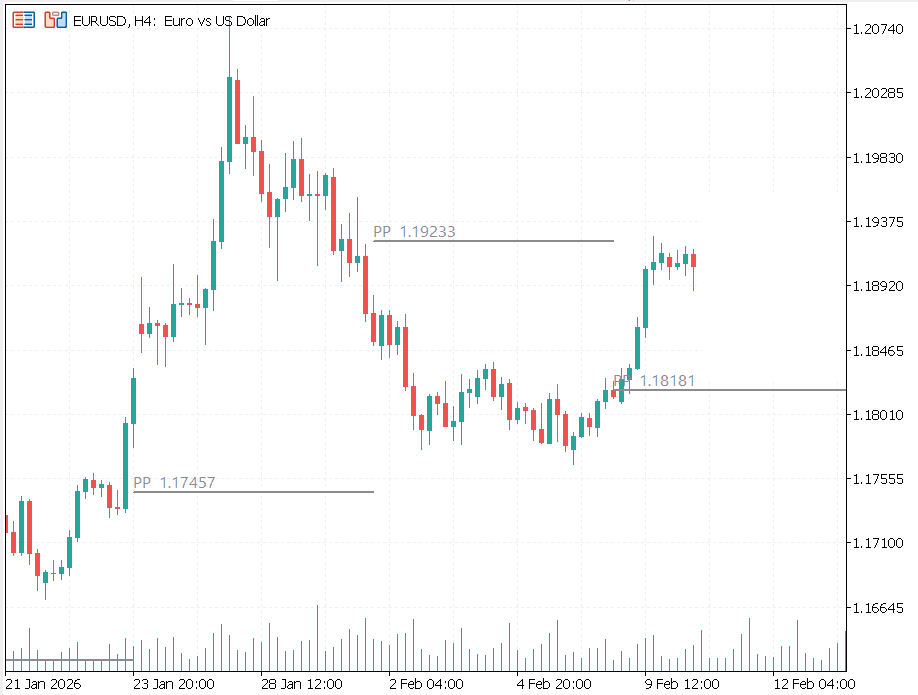
Classic, Fibonacci, Camarilla pivots auto-calculated. Daily / weekly / monthly levels in one indicator.
Download free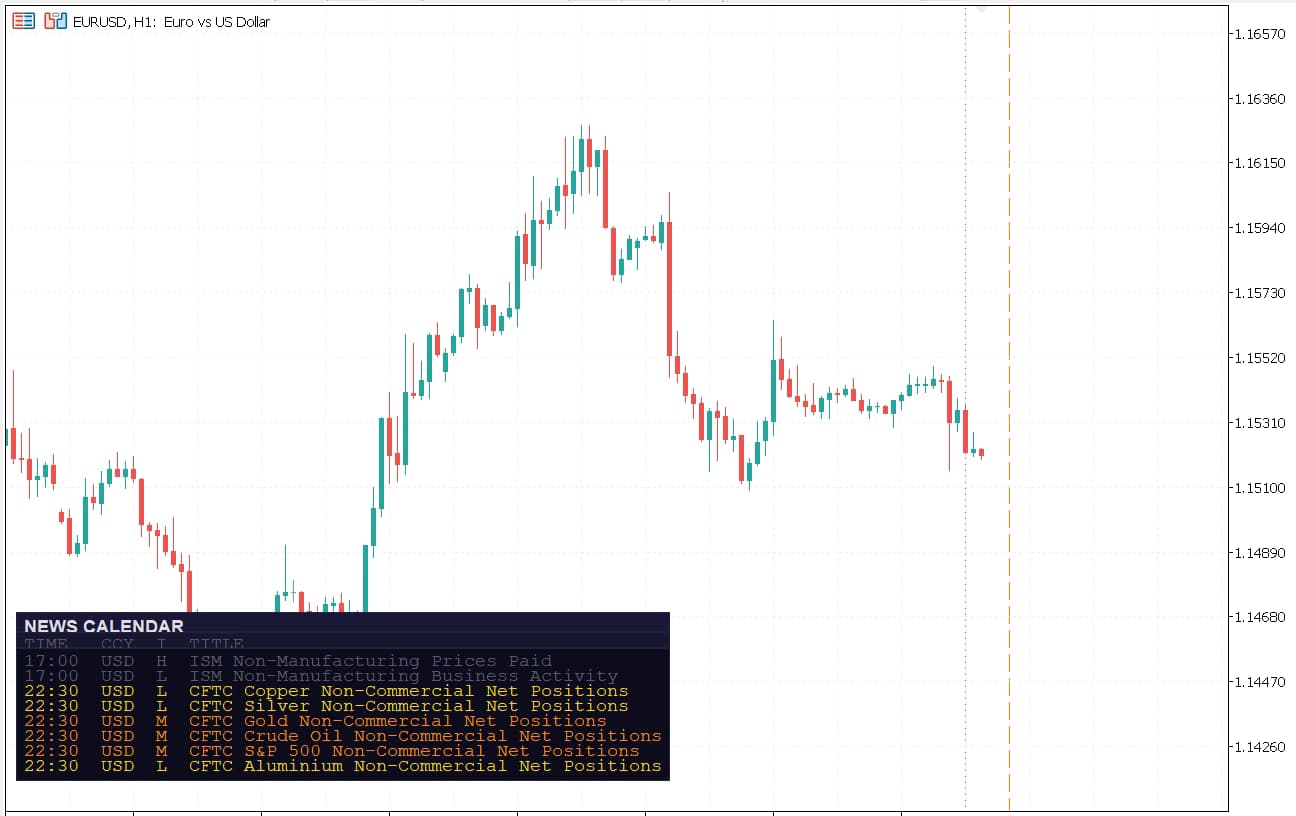
Upcoming economic events in a panel on the chart, filtered by impact and currency.
Download free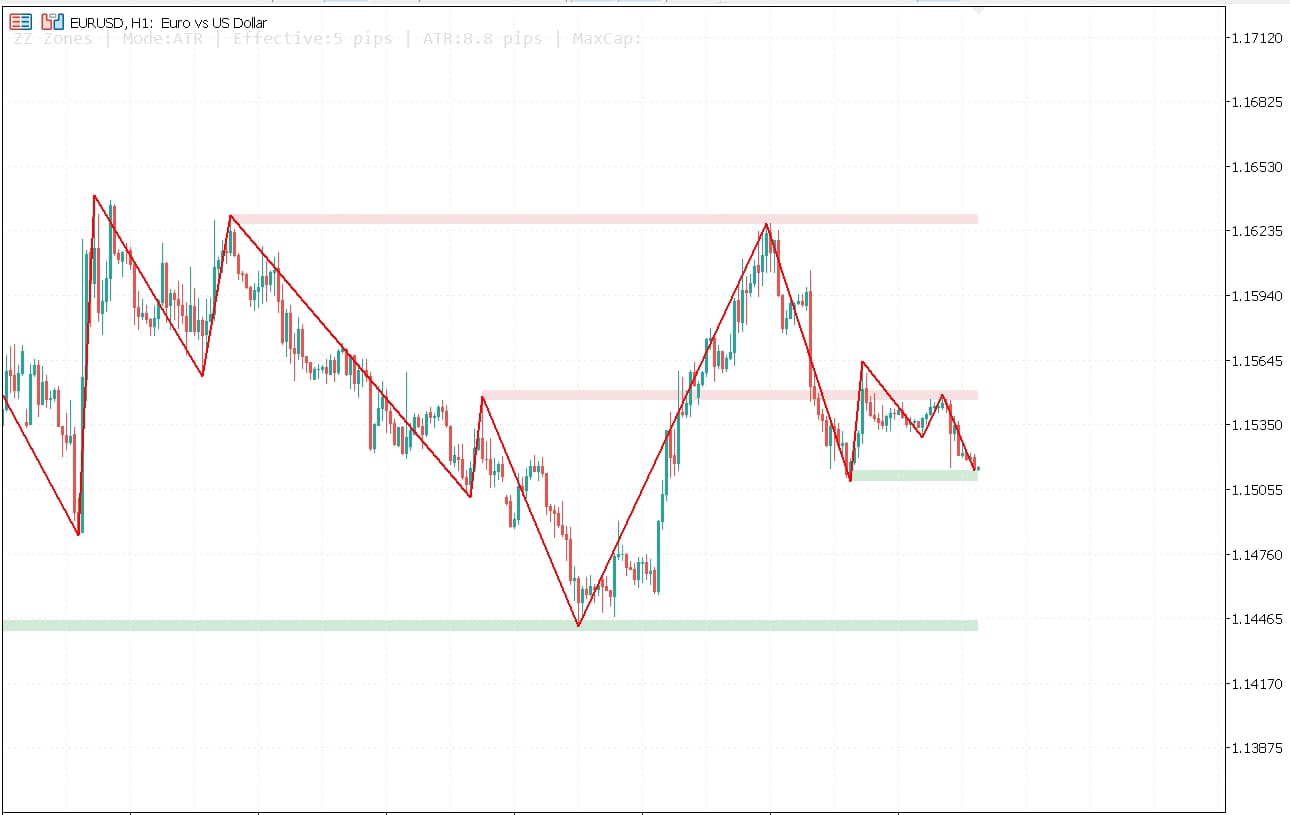
Plots support and resistance zones from swing highs and lows.
Download freeUpload an MT5 .htm report to see an equity curve, drawdown analysis, R-multiple distribution, and trade-time heatmaps. It runs in your browser, with no EA install.
4.8/5 average rating across the MQL5 listings.
If your a trendline trader this is the best EA you can get. There is nothing it doesn't cover. And affordable too. So just buy it and try it. I tend to use it with fib, fib extensions and s/r with good results. Don't forget it's up to you to select which trade you are going to take. There is no holy grail only assistance and this is the one for me. Thanks to Carlos the Author who is very helpful too.
Excellent product with amazing support. I am extremely satisfied. The developer is always helpful and created a new version with a new feature I requested. Lots of thanks to Carlos. Already I recommended to 3 of my friends. They are also very happy. :)
Very usefull, you can build up an entire semi-auto strategy with this EA. With Trailing stop and breakeven, that will be perfect.
I mainly use it with BoFB strategy on indices supports and a shift value high enough not to trigger "false false breakout", it performs very well 👍

I'm a software developer and forex trader who builds MetaTrader tools for MT4 and MT5. FxTT began as a personal toolkit for analysis, execution, risk management, and backtesting. I do not sell black-box signals. I build practical tools that give traders more control.
Support is handled directly by a trader who uses these tools in live trading. Ask in the Telegram group or Discord, or write an email.
Answers to common questions about FxTT tools. Need something else? Ask us on Telegram.
Most paid EAs ship for both MT4 and MT5. Some tools are MT5-only, while others also support MT4. Each product page lists the supported terminal at the top.
No. FxTT EAs are semi-automated. You set the bias and SL/TP rules; the EA executes the breakout, manages the trade, and sends alerts. It does not use black-box signals, martingale strategies, or grids.
60-day no-questions refund on every paid product purchased directly from forextradingtools.eu. MQL5 marketplace purchases follow MetaQuotes' rental/license terms — we'll happily issue a direct refund if MQL5 declines.
Prop-firm rules vary. Trendline PRO executes the rules you configure. Equity Tracker sends account alerts; it does not enforce drawdown limits or pause trading or other EAs. Check your firm’s current rules before use.
Yes, on a limited basis. Custom projects start from €100. Send your platform (MT4/MT5), the functionality you need and your timeframe through the contact page, and you get a fixed-price quote before any work begins.
Each product page lists the setup steps. Short version: download the .ex5 → copy it into MQL5/Experts (or Indicators) → restart MT5 → drag it onto a chart and allow algo trading. Stuck? Ask in the Telegram group or by email.
No. FxTT sells tools, not signals. We don't believe signal-selling is compatible with running a serious trading business — and we won't pretend otherwise. Buy the tool, run it on your own analysis.
Yes. Products with demo builds show a demo download button on the product page, and every direct paid purchase is protected by the same 60-day no-questions refund window.
Trading EducationA Buy Limit buys below the market, a Buy Stop above it. Which MT5 pending order to use, why buys trigger on the Ask, and why a touch is not a fill.
 Trading Education
An R-multiple is a trade's result divided by its planned risk. Learn how to calculate R, how it differs from the risk-reward ratio, and how to measure expectancy.
 Expert Advisors
In MQL5, iCustom returns a handle. Read the right bar with explicit shifts, exact CopyBuffer counts and the indicator's empty-value rules.