
 Trading Education
Buy Limit vs Buy Stop in MT5: The 6 Pending Order Types
A Buy Limit buys below the market, a Buy Stop above it. Which MT5 pending order to use, why buys trigger on the Ask, and why a touch is not a fill.
In MT5 OTC forex, long stops check Bid and short stops check Ask. Spreads can trigger exits, and gaps can make the fill worse than the stop price.
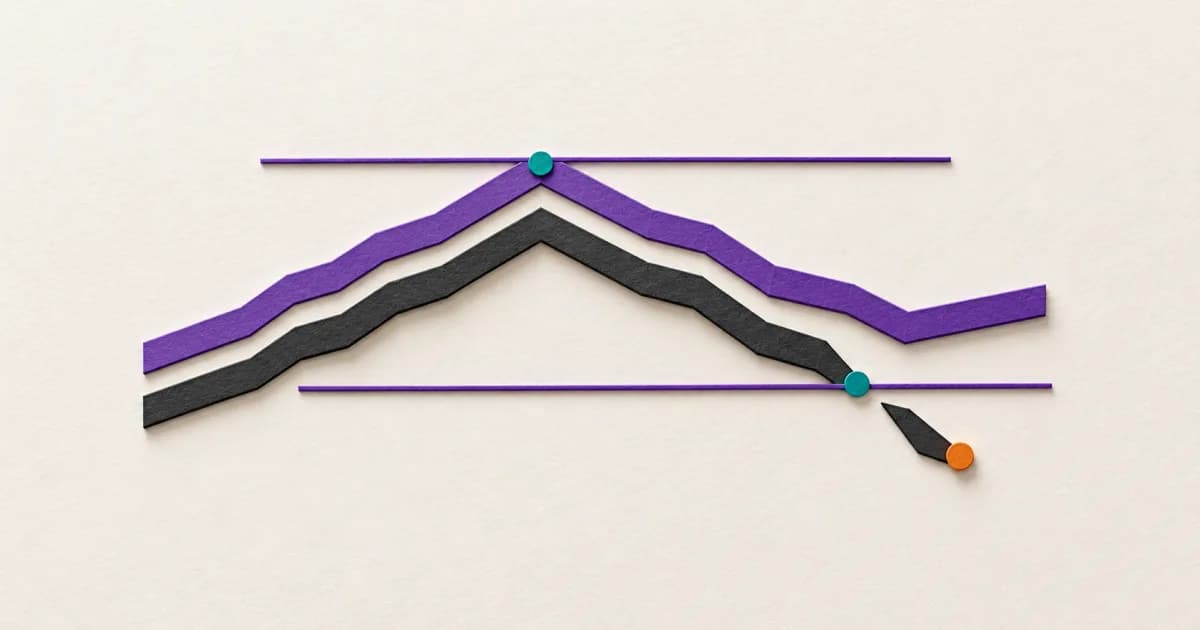
We separate a stop's trigger from its fill when reading an MT5 trade. For OTC forex, a long stop checks Bid and a short stop checks Ask. When that condition is met, the stop sends an exit. It cannot promise the exit price.
The examples below are hypothetical EUR/USD quotes. One pip is 0.0001. Where we calculate money, we assume a USD account and a contract of 100,000 EUR per lot.
In the OTC forex case documented by MetaTrader 5, a long position's stop loss triggers when Bid reaches or falls below its level. A short position's stop triggers when Ask reaches or rises above its level.
Bid is the price at which we sell. Ask is the price at which we buy. A long trade opens with a buy and closes with a sell. A short trade opens with a sell and closes with a buy. The closing side explains the official MT5 stop-loss rules.
At an initial Bid of 1.10000 and Ask of 1.10020, the spread is 0.00020, or 2 pips:
| Position | Assumed entry fill | Stop price | Trigger condition | Entry-to-stop distance |
|---|---|---|---|---|
| Long | Ask 1.10020 | 1.09800 | Bid ≤ 1.09800 | 22 pips |
| Short | Bid 1.10000 | 1.10200 | Ask ≥ 1.10200 | 20 pips |
The long distance is 1.10020 minus 1.09800, divided by 0.0001. Measuring from the initial Bid would give 20 pips and miss the entry spread. For a short, the distance is the stop price, checked against Ask, minus the Bid entry: 1.10200 minus 1.10000.
These are trigger rules. They do not guarantee that the whole position fills at those prices.
A Bid-based forex candle shows Bid prices, so it cannot show every Ask price that can trigger a short stop. MT5 charts can use Bid or Last, depending on the symbol. Check the chart mode before comparing a candle with a stop.
MetaTrader's chart settings documentation explains how to show the current Bid and Ask lines. The Ask line displays the latest quote. Turning it on does not rebuild old candles into historical Ask candles.
For an OTC long on a Bid chart, the chart and stop use the same side. An unexplained exit still needs the broker's quote history, the accepted stop level, and the actual deal price. A chart from another broker, or a midpoint chart, does not show your broker's quotes.
There is an exchange exception. For symbols with Exchange Stocks, Exchange Futures, or Futures Forts calculation modes, the MT5 documentation says SL/TP activation follows the exchange's rules, usually using Last, the last traded price. Execution still uses the available market offers. Do not apply the OTC Bid/Ask test blindly to those instruments.
Spread widening can push the closing quote to a stop while the midpoint stays put. Which side moves matters. A wider spread caused only by a rising Ask does not itself trigger a long stop if Bid stays above that stop.
Keep the long stop at 1.09800. Before widening, Bid is 1.09840 and Ask is 1.09860. Their midpoint is 1.09850 and the spread is 2 pips.
Now widen the spread symmetrically to 10 pips around the same midpoint. Bid becomes 1.09800 and Ask becomes 1.09900. Bid reaches the stop, so the long exit triggers. The midpoint remains 5 pips above it.
Keep the short stop at 1.10200. Bid is initially 1.10140 and Ask is 1.10160. The midpoint is 1.10150 and the spread is 2 pips.
With a 10-pip spread around that midpoint, Bid becomes 1.10100 and Ask becomes 1.10200. Ask reaches the stop. The short exit triggers while a Bid candle stays 10 pips below the stop.
The spread guide explains the quote gap. The model below keeps the midpoint path fixed and moves Bid and Ask apart as the spread changes. Its presets are illustrative, not broker forecasts. It does not model stop triggers, gaps, or fills.
The market moved the same distance whichever spread you pick. Widen the gap and the trade opens further underwater, so more of that move is spent getting back to where you started.
An ordinary MT5 stop loss sets a trigger level. The exit price depends on the prices available and the symbol's execution mode. A gap can skip the stop price, and slippage can make the loss larger than planned.
Suppose the long entered at 1.10020 with SL 1.09800. Bid gaps from 1.09810 to 1.09750, and the exit fills at 1.09750. The planned distance was 22 pips. The actual distance is 27 pips, 5 pips of slippage past the stop.
At 0.10 lots under our contract assumptions, each pip is USD 1. The loss rises from USD 22 to USD 27, before commission and swap. Those numbers describe this example, not a maximum loss.
A triggered stop closes at market, so it fills against the volume available at each price, like any market order. The simulator below shows that queue. A long stop closes with a sell, so pick the sell side. The max-deviation option does not apply to a triggered stop. Deviation limits market orders you send yourself, so the broker does not refuse a stop for slipping too far.
1.0 pip spread · 10.00 lots resting inside 1.4 pips of the top
The order used all the size available at the displayed price, then filled at higher available prices. A thinner book moves the same order farther from the quote. If the market moves in your favor before the fill, you receive a better price. That is positive slippage.
If the close cannot execute when the SL triggers, MetaTrader keeps the level and checks it again on the next qualifying tick. Triggering and closing are separate events.
A stop-limit order is different from the position's SL field. It places a limit order when triggered, and that order can stay unfilled. A guaranteed stop exists only if your broker offers one, under its own contract terms and usually for a fee.
Choose the price that invalidates the trading idea before choosing volume. Measure the loss from the expected entry fill to the stop price, on the correct quote sides. Allow separately for commission, swap, and slippage.
In the long example, 0.10 lots is 10,000 EUR. Pip value is 10,000 × 0.0001 = USD 1. The pip-value guide explains why the result changes with the pair and account currency.
A hypothetical USD 20 price-risk budget gives 20 ÷ 22 ÷ 10 = 0.0909 lots. If the broker permits 0.01-lot steps, rounding down to 0.09 lots gives USD 19.80 at the stop, before other costs and slippage.
On a Bid chart, a short's stop above resistance triggers on Ask, which sits one spread above the plotted price. Leave room for the spread, and remember it can widen. No fixed buffer is safe in every market. If the required stop makes the risk too large, reduce volume or skip the trade. Tightening the stop just to keep a larger position changes the trading idea.
Try a different stop distance below. The default USD 10,000 balance and 1% risk give a USD 100 budget, not the USD 20 above. With a 25-pip stop on EUR/USD, that gives 0.40 lots before commission, swap and slippage.
Illustrative: a 100,000-unit contract and fixed sample rates. Broker contract specs and conversion rates vary, and slippage can make the loss larger than the money at risk shown.
MT5 symbols can have a minimum stop distance and a separate freeze distance. Brokers set them in points, not pips, and they vary by symbol. A stop that looks sensible on the chart can still fail the server's checks.
The symbol specification shows contract size, tick size, volume step, stops level, chart mode, and execution mode. The MQL5 symbol-property reference defines SYMBOL_TRADE_STOPS_LEVEL and SYMBOL_TRADE_FREEZE_LEVEL.
For five-decimal EUR/USD, one point is 0.00001. A hypothetical stops level of 50 points is 0.00050, or 5 pips. With Bid 1.10000 and Ask 1.10020, a long SL must be no higher than 1.09950 and a short SL no lower than 1.10070 under that distance rule.
A hypothetical freeze level of 30 points is 3 pips. While price is within that distance of the SL, the server rejects changes to it. Check the broker's exact conditions. Satisfying a distance check does not guarantee acceptance, and an accepted stop does not guarantee its fill price.
Practice on a demo account with the intended broker and symbol. Use the order dialog to set the stop, then check the S/L value the server accepted. A line drawn on a chart is not an active stop.
The official trading workflow documents these dialogs and server-stored stops. Built-in MT5 trailing stops run in the terminal. Closing the terminal stops further trailing, but the last accepted SL stays on the server.
For chart-based planning, Trendline PRO offers documented TP/SL zones, breakeven, and trailing controls. Automation still needs a verified server-side stop and cannot guarantee the exit price.
Yes. For the documented MT5 OTC forex case, long stops check Bid and short stops check Ask. A wider spread can push the relevant quote to the stop even when the midpoint never reaches it.
A Bid candle does not show Ask. The short stop triggered on Ask while Bid stayed below it. Compare the accepted stop with broker quote history, not only the candle.
An accepted, still-valid server-side SL does not require the terminal to stay open. Built-in trailing stops do require the terminal for further updates. A drawn line or a trailing setting without a placed SL is not equivalent protection.
No. An SL is a price-based exit you set on one position. A stop-out is the broker closing positions when margin level falls below its threshold. An SL does not prevent a stop-out that happens first.
Trading EducationA Buy Limit buys below the market, a Buy Stop above it. Which MT5 pending order to use, why buys trigger on the Ask, and why a touch is not a fill.
 Trading Education
An R-multiple is a trade's result divided by its planned risk. Learn how to calculate R, how it differs from the risk-reward ratio, and how to measure expectancy.
 Trading Education
A forex lot measures base-currency units: standard, mini and micro lots commonly represent 100,000, 10,000 and 1,000 units.